Welcome!
This is my portfolio website where you can learn more about me and what I do. Feel free to explore this page aswell as my many personal projects up for display.
Experience
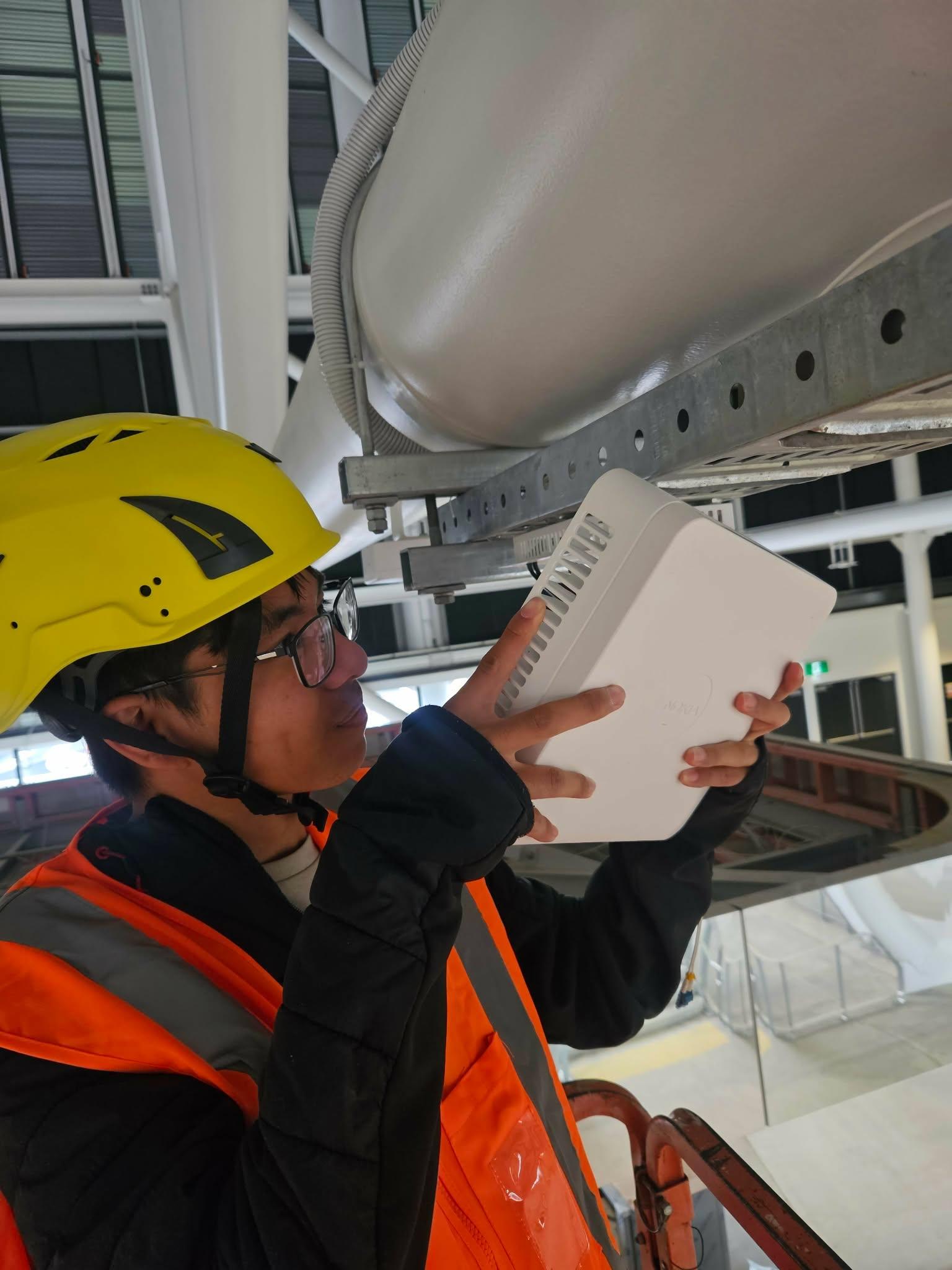
One NZ Stadium
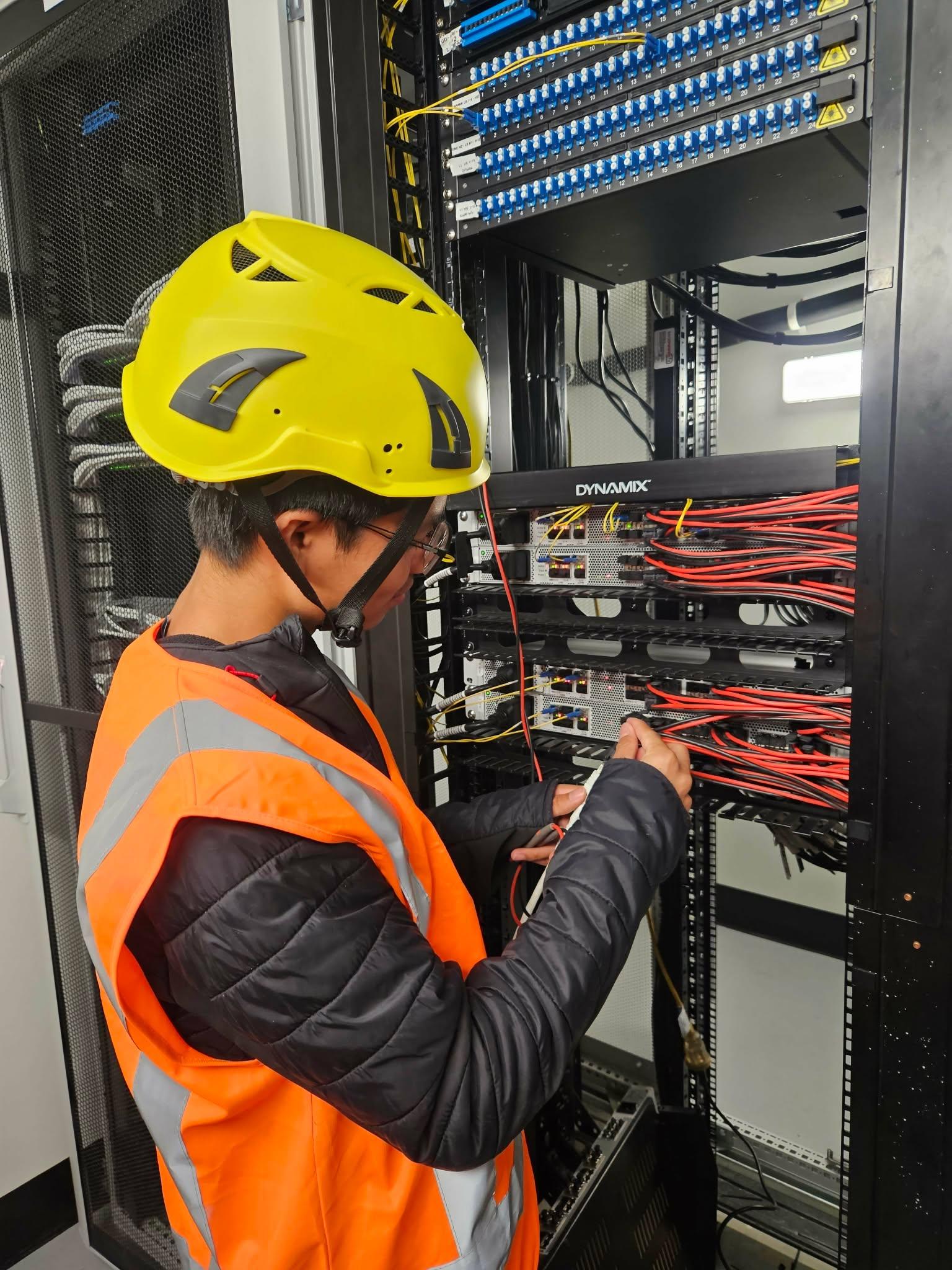
Undertaken a summer apprenticeship in the One NZ Stadium as a telecom technician trainee to practical experience in installing networking hardware and infrastructure.
January 2026
Personal projects
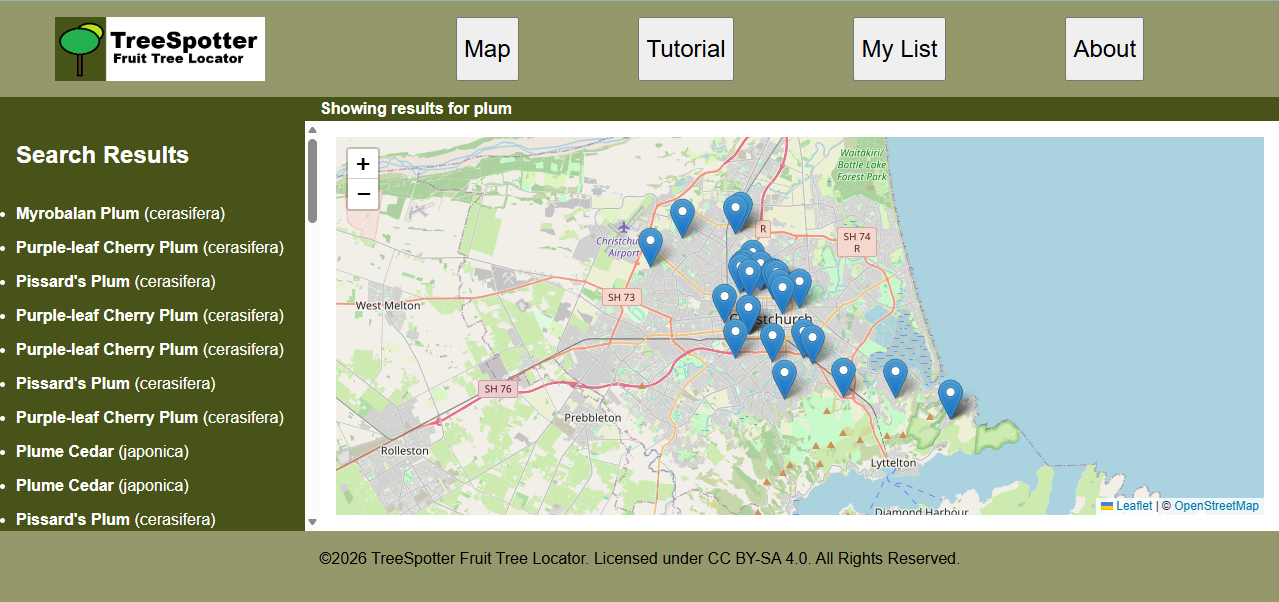
TreeSpotter
A web application showcasing Javascript and API
Created during 2026 as part of a interactive media assignment. Click here to access the website.
Explore Christchurch
A dynamic wordpress website showcase
Created during 2026 as part of a web development assignment. Click here to access the website.

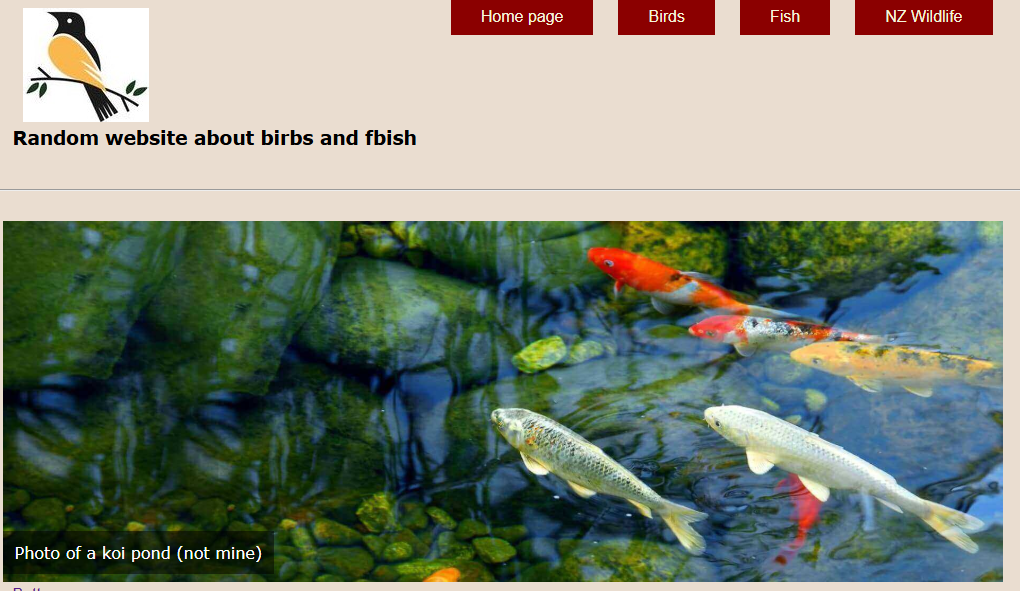
Bird and Fish
A static HTML + CSS website showcasing various birds and fish.
Created during 2024 as a highschool project. Click here to access the website.
About me
I am Ethan Balon, a polytechnic student in Ara Institute of canterbury.
I am currently studying my second year of Ara's Bachelor's of ICT Software Engineering pathway
Other than software development, I'm also interested computer hardware, mechanics, robotics, and electronics.